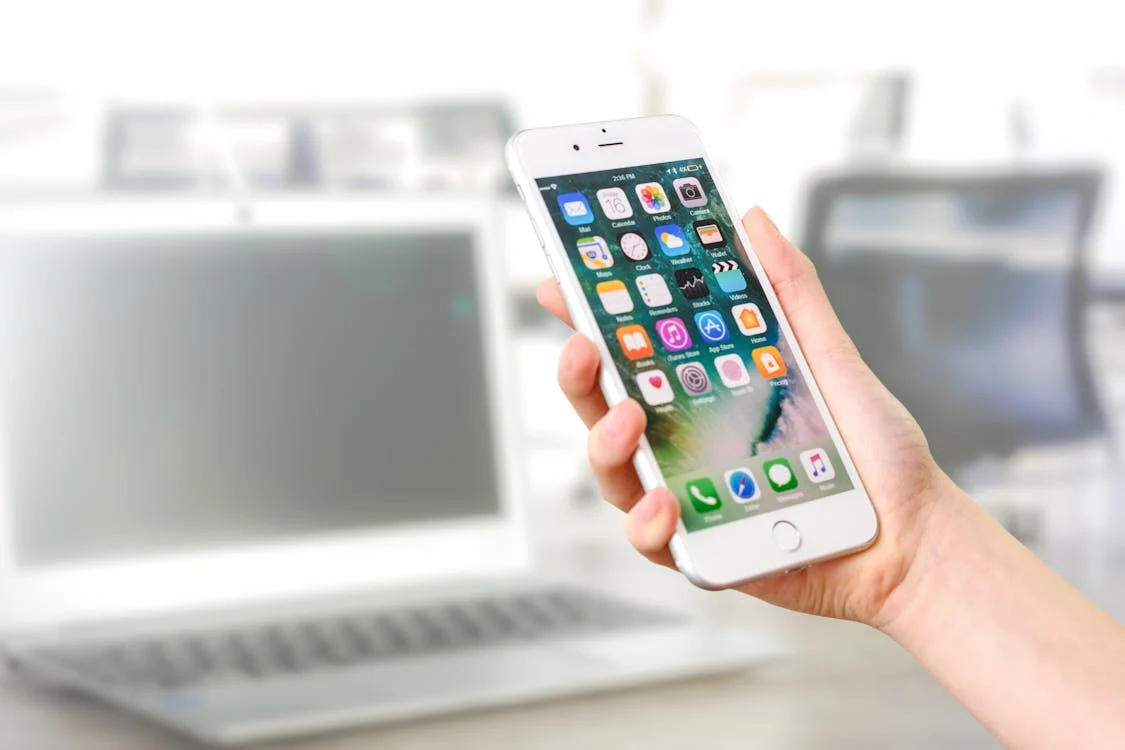
Picking the Right Cell Phone: Help for Seniors
Having a cell phone is often more than a means of staying in touch with loved ones for seniors; it’s also about ensuring their safety and accessibility. However, the variety of cell phones available can make selecting one seem like an impossible task. This guide breaks down this process by highlighting what types of cell phones are best suited for elderly people as well as which features would be most beneficial to them.
1. Types of Cell Phones for Seniors
Cell phones for seniors fall into two main categories – simplified smartphones and basic cell phones.
Simplified Smartphones: These have an easy-to-use interface with larger icons and text. They still retain many functions found on regular smartphones such as internet access, apps or touchscreens but are designed to be more user-friendly.
Basic Cell Phones: Basic cell phones offer core functionalities like calling or texting without all the bells and whistles of modern-day smartphones so they may appeal to seniors who prefer simplicity. They typically feature physical buttons along with simple displays.
2. Important Features to Consider
When choosing a mobile device there are several key factors that should not be overlooked because they will greatly contribute towards enhancing senior citizens’ user experience:
Large Buttons & Display: A phone having big buttons together with clear, sizable display makes it easier for older adults especially those with limited vision or dexterity to use them.
Hearing Aid Compatibility (HAC): For those using hearing aids, look out for HAC labeled devices which help reduce background noise as well as prevent any interference from occurring while communicating through such phones.
Loud & Clear Sound: In case someone has hearing problems then having a phone that produces high volume levels coupled with clear audio quality becomes very important.
Emergency Features: Some mobiles come equipped with special emergency buttons or automated alert systems that can be set up to dial emergency contacts/services once triggered.
Long Battery Life Span: It is crucial for seniors to have a phone with long lasting battery so that it is always ready whenever required particularly during an emergency.
Voice Commands: For those who may struggle with touchscreens or tapping/swiping actions, voice recognition technology enables them operate their phones hands-free.
3. Top Cell Phones for Seniors
The following models are among those specifically designed with elder people in mind:
Jitterbug Smart3: This smartphone is popularly chosen by many elderly individuals due to its simplified interface, large icons and voice typing feature. It also offers health and safety services through a dedicated Urgent Response button.
Consumer Cellular Link II: If you want a simple flip phone which has bigger buttons, brighter screen and increased loudness then this would be your ideal choice.
Doro 8080: Featuring responsive touchscreen display, high contrast interface design as well as an emergency call button; Doro 8080 combines simplicity with cutting-edge technology in one device.
4. Think About Your Needs
Consider how you plan on using the device when making your selection. If it will mostly serve as an emergency backup or only make occasional calls then a basic model might suffice but if video chatting with family members or using apps sounds appealing too then opt for more advanced version such as simplified smart-phone.
5. Where to Buy and Get Support
You can find these phones at various electronics retailers, both in-store and online, depending on your preference. Additionally, certain service providers offer plans specifically tailored to the needs of seniors. We recommend visiting our cell phone section to explore our curated list of recommended phones, which are ideal for seniors. When choosing a provider, look for one that offers excellent customer support and possibly even training sessions to help you get comfortable with your new phone.
The key to choosing a mobile phone is striking the right balance between complexity and functionality. Picking out those functions that are most important and useful for you will ensure that any handset you buy enhances your everyday life while giving you peace of mind too. Don’t forget – the perfect mobile for you is the one which fits in perfectly with your lifestyle and feels nice to handle.

I’m Anita McIsaac, a 36-year-old bank teller from Kansas who enjoys managing SeniorsDeal.com in my spare time. Married with a 13-year-old son, I cherish family game nights and weekend soccer matches. My passion is helping seniors make informed choices, aiming to make retirement smoother and more enjoyable. I love connecting with our readers and sharing practical advice.